

On Day 29, we are putting the final “polish” on our project. We are moving beyond the default settings to master Advanced OpenAPI & Documentation.
Everyone knows FastAPI for the automatic Swagger UI, but a professional API needs more than just a list of endpoints. Today, we’ll learn how to brand our docs, add detailed descriptions, and explore ReDoc—the cleaner, more “reader-friendly” alternative to Swagger. So, without further ado, let’s dive into the Developer Experience (DX). If another developer uses your API, the documentation is their first impression.
1. Enhancing the FastAPI Constructor
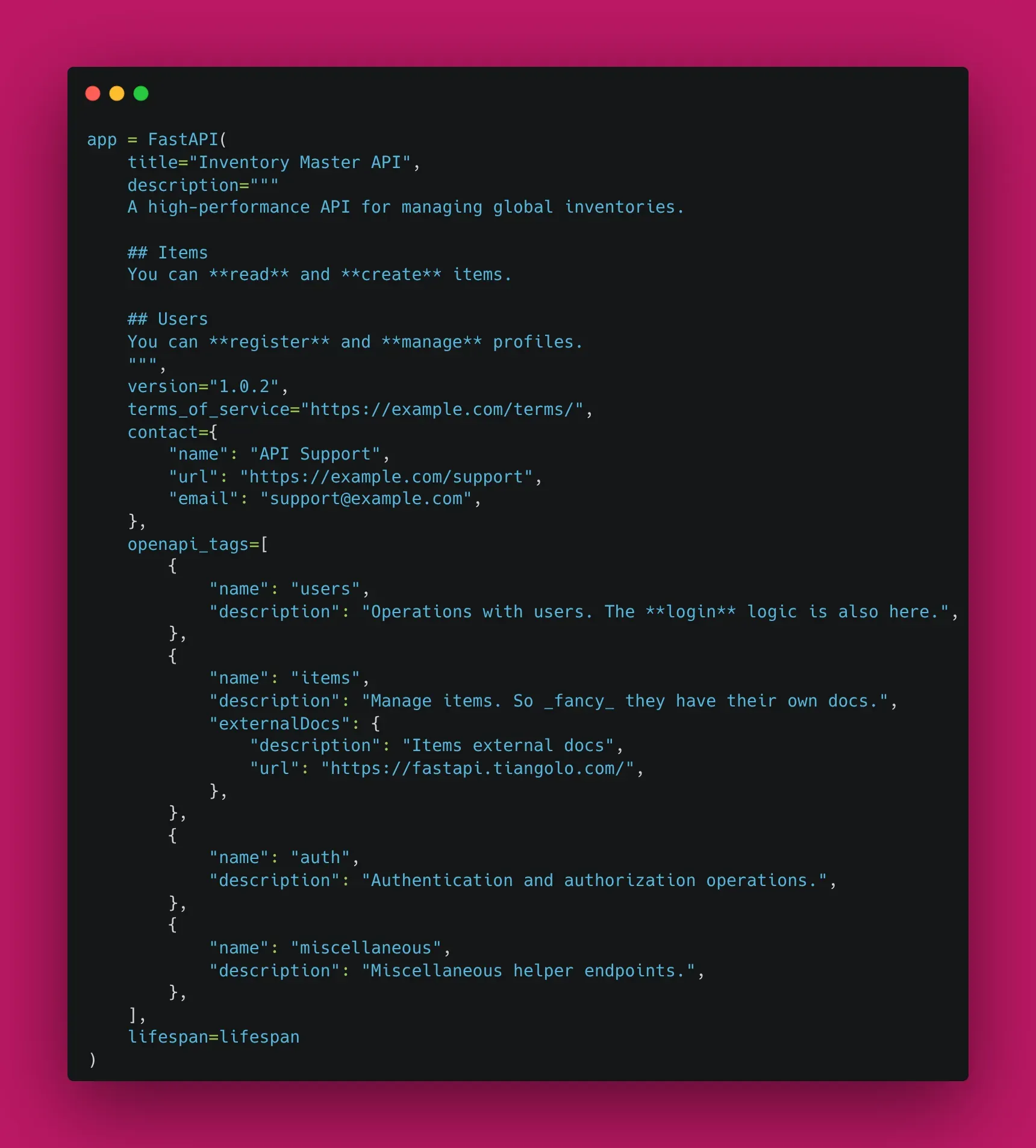
You can pass a wealth of information directly into the main FastAPI instance. This information populates the top of your documentation pages.
app = FastAPI(
    title="Inventory Master API",
    description="""
    A high-performance API for managing global inventories.

    ## Items
    You can **read** and **create** items.

    ## Users
    You can **register** and **manage** profiles.
    """,
    version="1.0.2",
    terms_of_service="https://example.com/terms/",
    contact={
        "name": "API Support",
        "url": "https://example.com/support",
        "email": "support@example.com",
    },
    openapi_tags=[
        {
            "name": "users",
            "description": "Operations with users. The **login** logic is also here.",
        },
        {
            "name": "items",
            "description": "Manage items. So _fancy_ they have their own docs.",
            "externalDocs": {
                "description": "Items external docs",
                "url": "https://fastapi.tiangolo.com/",
            },
        },
    ]
)
2. Tag Metadata & Organization
Wait, did you notice the openapi_tags above? While we previously used tags=["items"] in our routers, defining them in the FastAPI constructor allowed us to add rich descriptions and even external links. This makes the sidebar in Swagger and ReDoc much more informative.
3. Discovering ReDoc
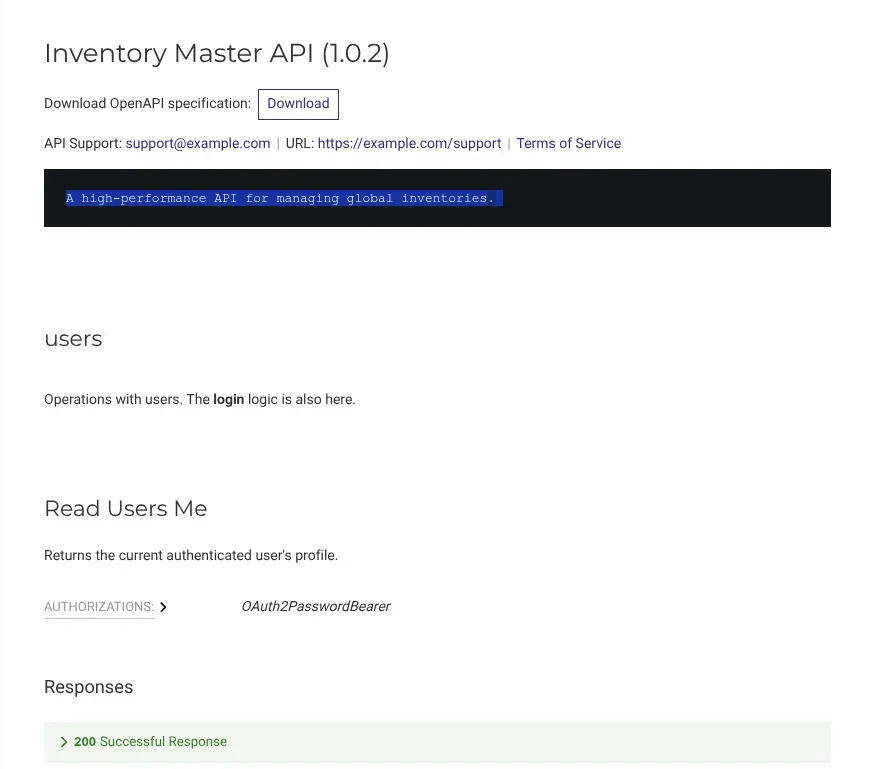
FastAPI serves your docs at /docs (Swagger), but it also automatically generates them at /redoc. ReDoc is often preferred for public-facing documentation because it feels more like a professional manual.
4. Adding Examples to Models
To make your API truly intuitive, you should provide examples in your Pydantic schemas. This shows up in the “Example Value” box in Swagger.
class ItemCreate(BaseModel):
    name: str
    price: float
    description: str | None = None

    model_config = {
        "json_schema_extra": {
            "examples": [
                {
                    "name": "Quantum Processor",
                    "price": 999.99,
                    "description": "A very fast CPU."
                }
            ]
        }
    }
5. Customizing the Global Exception Handler Display
Since we are using the StarletteHTTPException handler, we ensure our custom error responses (including timestamp, path, and custom code) are handled consistently across all endpoints.
🛠️ Implementation Checklist
- Updated the
FastAPImetadata (title, description, version). - Organized routes using
tagsin theAPIRouter. - Added
json_schema_extraexamples to all Pydantic models. - Verified that both
/docsand/redocdisplay the new information correctly.
📚 Resources
- Official Docs: FastAPI Metadata and Docs URLs
- Official Docs: FastAPI Schema Extra - Examples