
Categories
Tags
30days AI ai backend blog blogging booking burnout career chatbot cms coding design development devops django docker email express fastapi flight Flight Booking System full stack full-stack gmail GPT-3 interviews journey LinkedIn MERN mongodb NextJS nextjs notion OpenAI openai planning portfolio programming project python react ReactJS search sendgrid smtp software software development tailwind
297 words
1 minutes
Day 19 of 30 Days of FastAPI - Background Tasks — Stop Making Your Users Wait
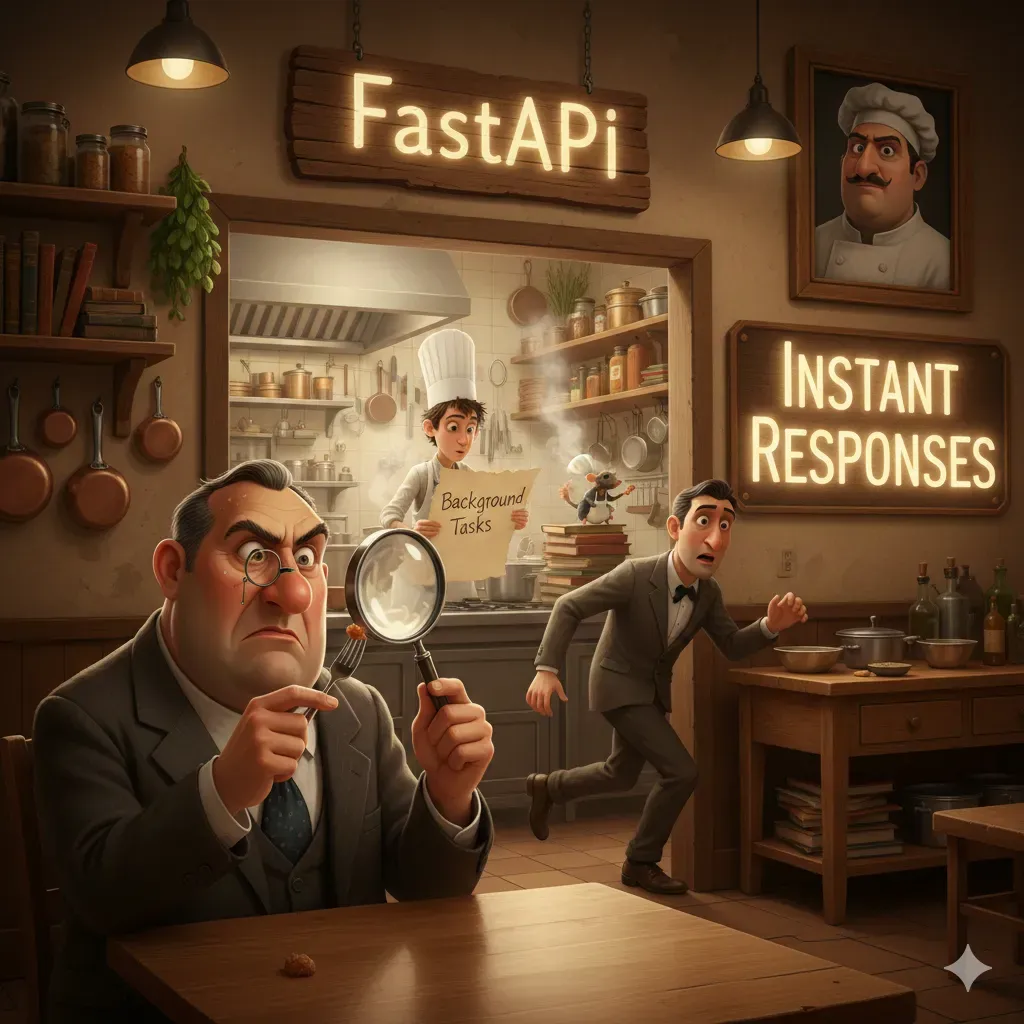
Now we are optimizing our API. Today’s goal: Zero Latency for heavy operations.
1. The Problem: Blocking Operations
When a user signs up, you might want to:
- Save them to the DB (Fast).
- Send a Welcome Email (Slow - 2-3 seconds).
- Notify an Admin (Slow).
If you do these sequentially, the user waits 5+ seconds. With BackgroundTasks, the user waits only for Step 1.
2. Implementation: The “Welcome Email”
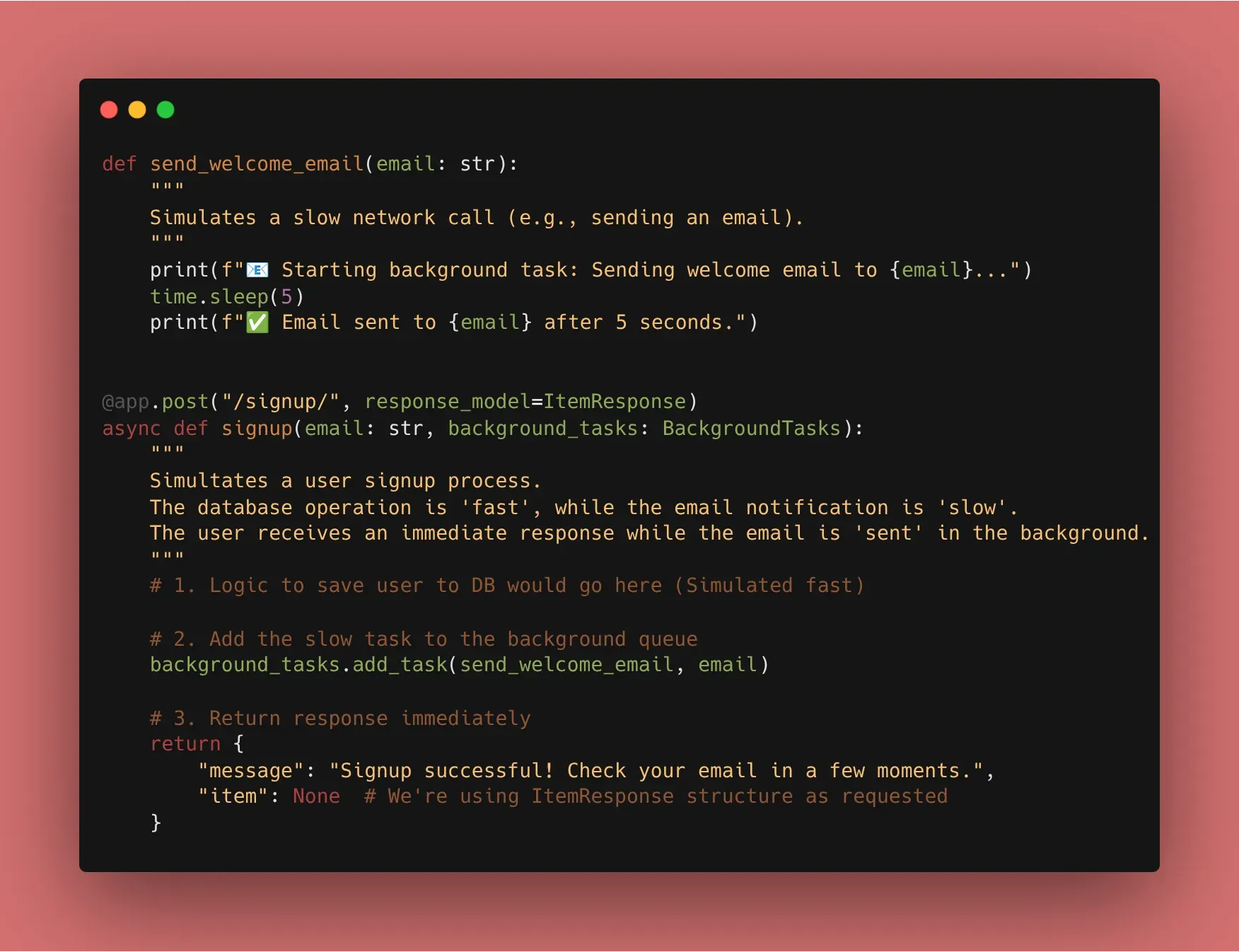
FastAPI provides a BackgroundTasks object that you can inject directly into your path operation function.
from fastapi import BackgroundTasks, FastAPI

app = FastAPI()

def send_welcome_email(email: str):
    # Simulate a slow network call
    import time
    time.sleep(5)
    print(f"Email sent to {email}")

@app.post("/signup/")
async def signup(email: str, background_tasks: BackgroundTasks):
    # 1. Logic to save user to DB goes here...

    # 2. Add the slow task to the background queue
    background_tasks.add_task(send_welcome_email, email)

    # 3. Return response immediately
    return {"message": "Signup successful! Check your email in a few moments."}
3. When to use Background Tasks vs. Celery?
- Background Tasks: Great for simple things like sending emails, logging, or updating a local file. It runs within the same Python process.
- Celery/Redis: Necessary for “heavy” data processing (like video encoding) or tasks that need to be distributed across multiple servers.
4. Integrating with our Starlette Exception Handler
Because we have our custom StarletteHTTPException handler from Day 8, we can rest easy knowing that if a background task triggers an error before the response is sent, our global handler will still catch it and return our branded JSON.
🛠️ Implementation Checklist
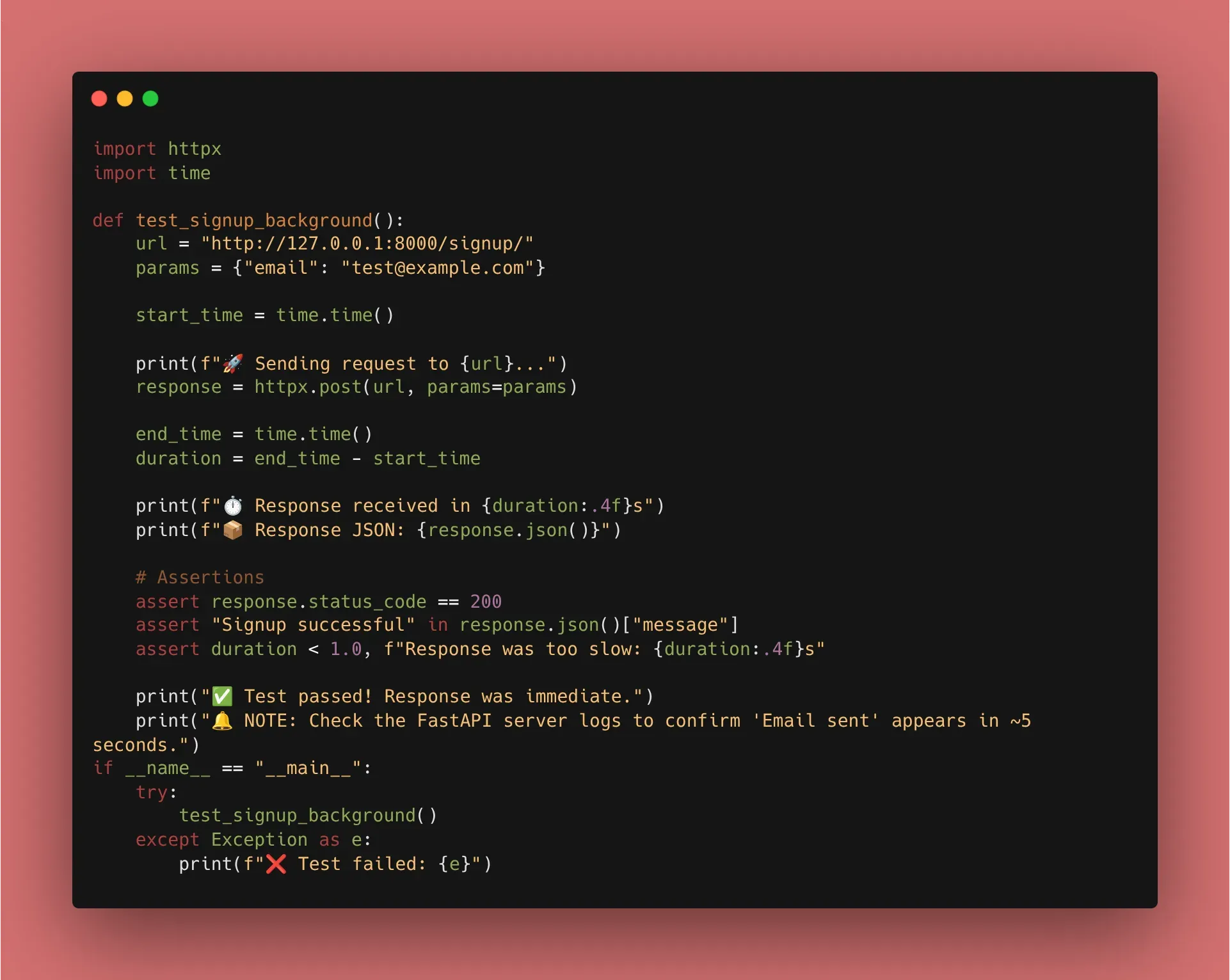
- Created a background function to simulate email/logging.
- Injected
BackgroundTasksinto aPOSTroute. - Verified in the terminal that the “Success” message appears in the browser immediately, while the “Email Sent” print happens 5 seconds later.
- Confirmed that the response still follows our
ItemResponsestructure.
📚 Resources
- Official Docs: FastAPI Background Tasks
- Book: FastAPI: Modern Python Web Development (Chapter 8: Performance and Background Tasks).
Day 19 of 30 Days of FastAPI - Background Tasks — Stop Making Your Users Wait
https://beyond400.vercel.app/posts/fastapi-19/