

Today is a big shift. You’ve been sending JSON data back and forth, but real-world applications often need to handle standard HTML forms and file uploads (like profile pictures or CSV reports).
To make this work, ensure you’ve run uv add python-multipart as we discussed yesterday!
While JSON is the standard for APIs, many legacy systems and web frontends send data as form-data. Today, I implemented endpoints to handle both forms and actual file uploads.
1. Handling Form Fields
FastAPI provides the Form class to define attributes that should be received as form fields rather than JSON.
from fastapi import FastAPI, Form

app = FastAPI()

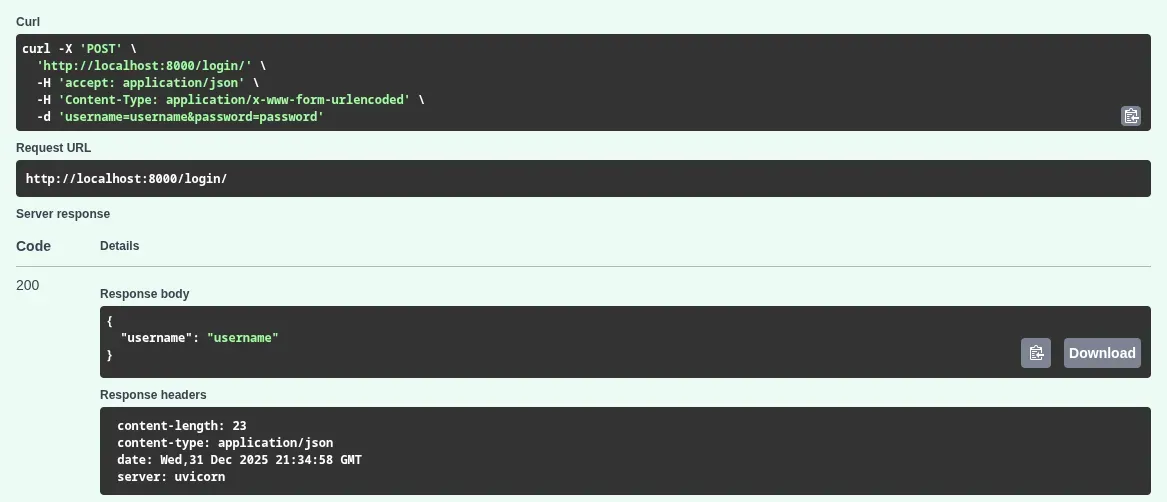
@app.post("/login/")
async def login(username: str = Form(...), password: str = Form(...)):
    return {"username": username}
2. Efficient File Uploads with UploadFile
Using UploadFile has several advantages over bytes:
- Memory Efficient: It doesn’t load the whole file into RAM immediately.
- Rich Attributes: You get easy access to
file.filenameandfile.content_type. - File-like Object: You can use
await file.read()orawait file.write()just like a standard Python file object.
from fastapi import FastAPI, File, UploadFile

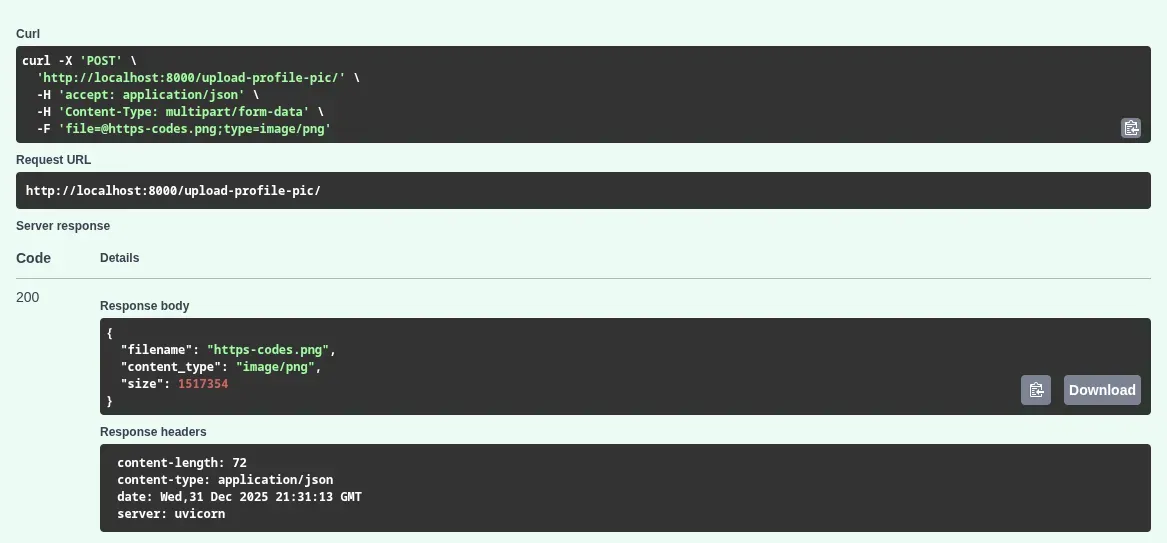
@app.post("/upload-profile-pic/")
async def upload_image(file: UploadFile = File(...)):
    contents = await file.read() # Read the file content
    return {
        "filename": file.filename,
        "content_type": file.content_type,
        "size": len(contents)
    }
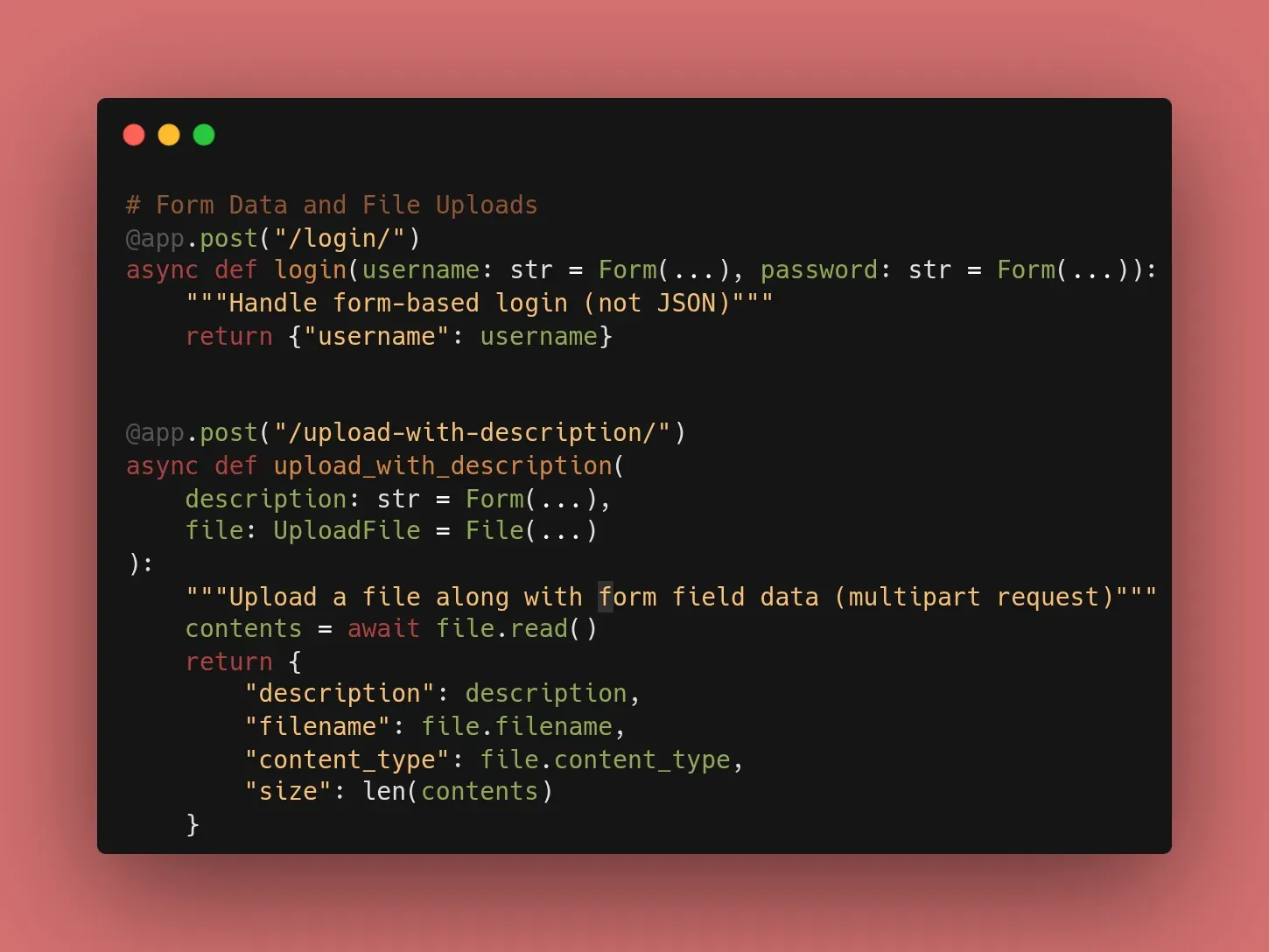
3. Mixing Forms and Files
You can even combine them! For example, a user might upload an image and provide a description in the same request. FastAPI handles the parsing of this complex “multipart” request automatically.
🛠️ Implementation Checklist
- Installed
python-multipartusing uv. - Created a
POSTendpoint usingForm. - Created a
POSTendpoint usingUploadFile. - Verified the “File Picker” works in Swagger UI (
/docs).
📚 Resources
- Official Docs: FastAPI Form Data
- Official Docs: FastAPI Request Files
- Book: FastAPI: Modern Python Web Development (Chapter 4: Form Data & Files).